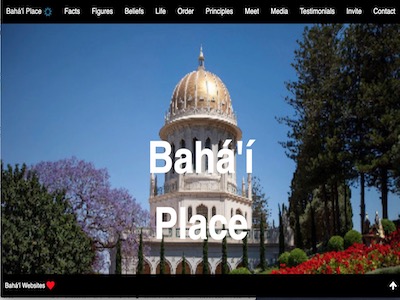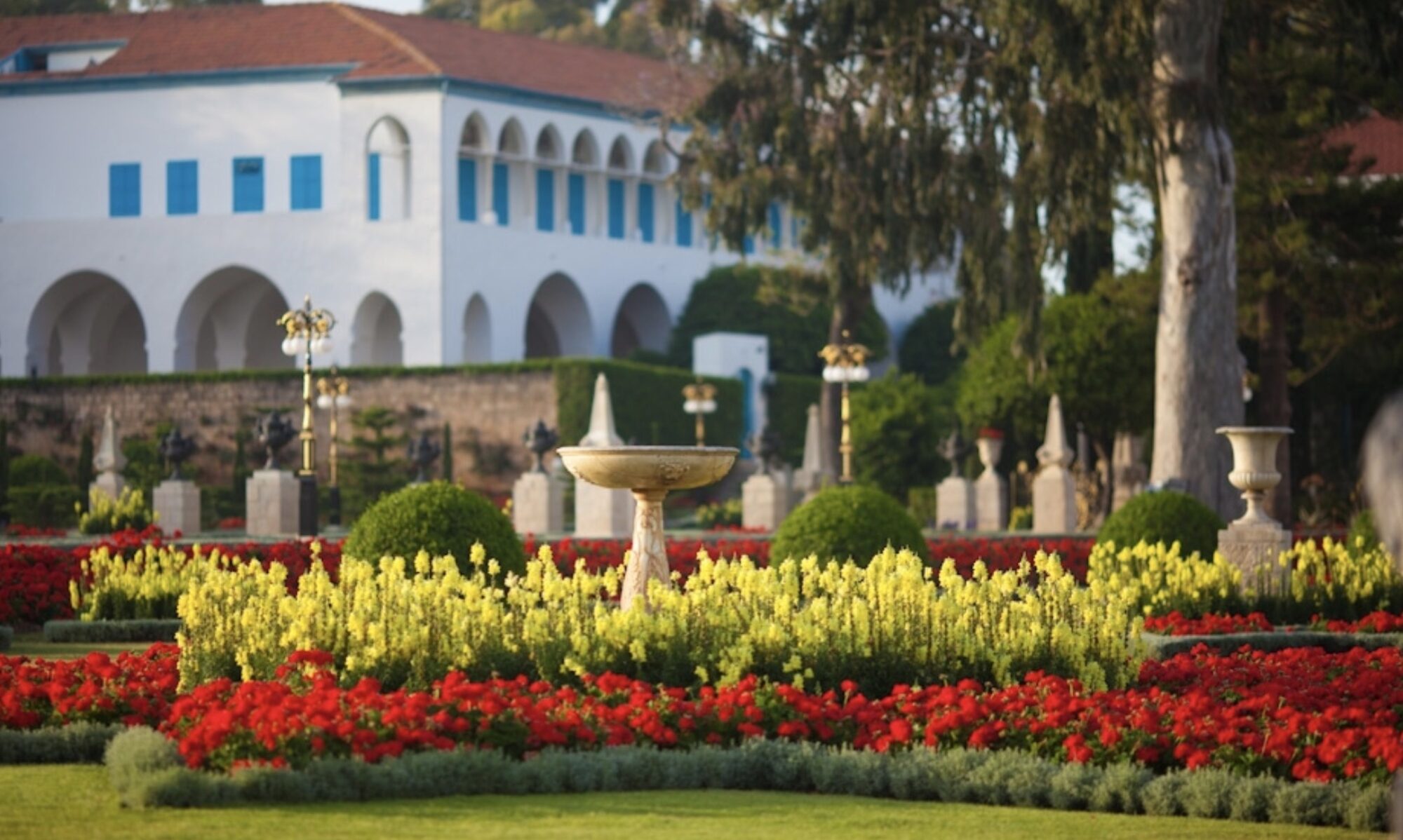
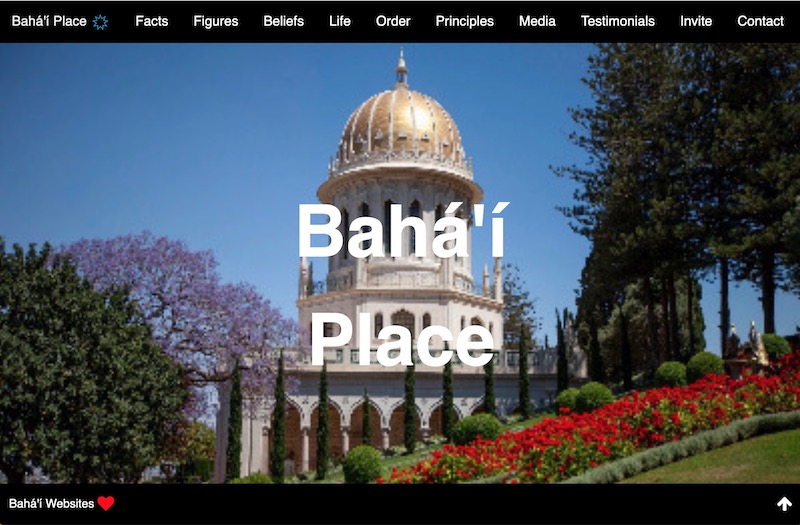
This is the Starter Theme, for Bahá’í communities, based on authentic quotes from Bahá’í Library and approved images from Bahá’í Media Bank. It features the basics – Three Central Figures, Bahá’í Principles, Administrative Order, Service, Prayer and Fasting, and more, with an invitation to join.
The Starter theme is fastest, easiest to use, and easiest to translate, from any smartphone. The titles, text and images are pro-loaded, but editable. Start by adding your contact and location. Add your domain, review and publish. There are optional sections for meetings, such as Children’s Classes, Devotionals, Study Circles, Junior Youth Activities, and Firesides, which you can publish as needed.
The Starter Admin page
This is the demo install of the Starter Theme. The name “9YearPlan” was chosen to be non-specific to a location. You or your developer will change this as part of the editing and publishing process. This is the top half of the page. Please note the sections in black are published by default, while those in blue are not.

These include the named suggestions from the Universal House of Justice: Children’s Classes, Devotions, Firesides, Junior Youth Groups, and Study Circles. To begin, you can simply publish one or more of the sections in the Meeting Section. As you grow, you can add one or more of these specific pages.

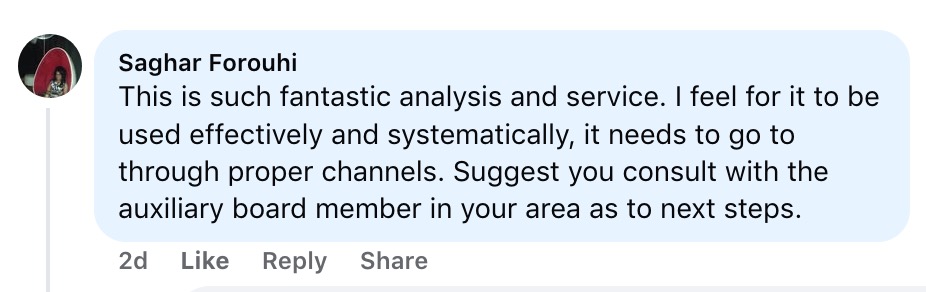
The image below is the bottom half of the Starter Admin page. Here you will see the Sections for Testimonials, which are also not published by default. This section is provided as a template for you to edit with your own material. (The testimonials are for this template on Facebook. Each of these persons were contacted and gave approval for their statement to be published.)
The sections for Support and Resources are not publishable. These are designed to support you if you are new to websites, or you are unfamiliar with Bahá’í Guidelines about internet use. The Support section contains the author’s contact information. The Resources section contains general information, should you have questions.
The necessary sections are 1,2,3, or Essential, Options, and Publish. These are the only necessary parts that need to be edited before you publish your website. You can skip to these sections, edit and publish, and come back to these other sections when you have more time.
Publishing this website is easy. Click the green bar “Update and Save” at the bottom of the Admin page. This will update your changes, save them to the database, and direct you to the public view of the website to review and confirm your changes. If there is a problem, simply click the back button, and repeat the process.

This is the edit screen for the Facts Section. Please note The suggested text for each input, and that this suggestion has been preloaded into the input field. This gives you a clear idea of what is possible, and this is how the website demo has been published. Also, note that all images are preloaded, and can be replaced with local images.
This is especially useful for translating this website. Anyone with a knowledge of English can read the suggested text, translate it into their language (with or without the help of Google translate), and replace the words in the input fields with their translation.

Recent test results from PageSpeed Insights: